Arrow Count
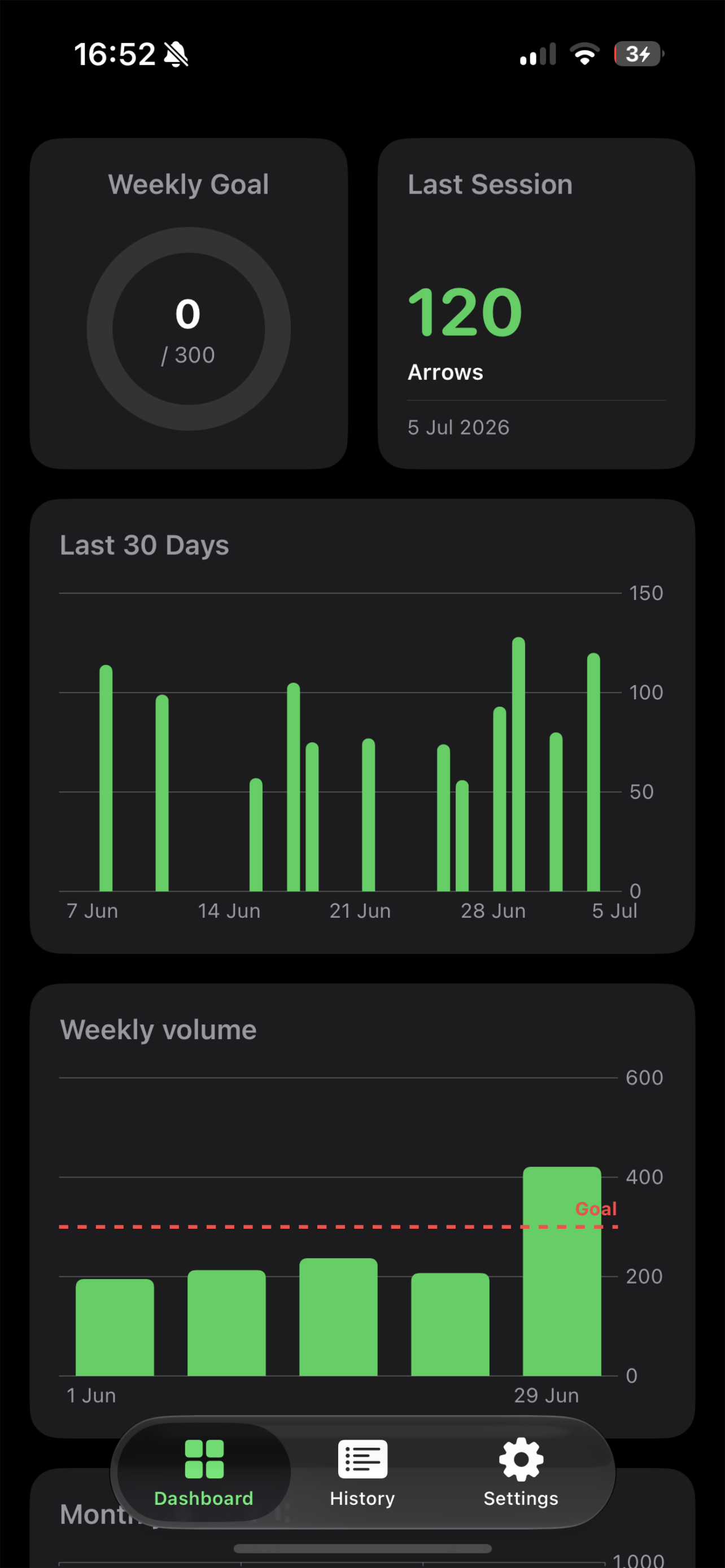
Use your Apple Watch to automatically count the number of arrows shot in a session and view recent history right on your watch. No more manual recording with tally counter. The iPhone app lets you keep track of your training volume and compare shot timing across sessions.
Instructions for use
---------------------
-Wear the watch on arm you hold your bow in and select this in settings (Defaults to left arm i.e. right handed archer)
-Start an activity. Shoot a few shots and check that it is recording arrows.
-The sensitivity can be adjusted by swiping to the right in an activity. This should be adjusted to as high as possible while still reliably detecting shots. Reduce it if shots are missed. Increase if you are getting extra shots recorded.
-Recent activities can be seen in the history view - accessed from the button on the first page. This may take a few seconds to load on the first run.